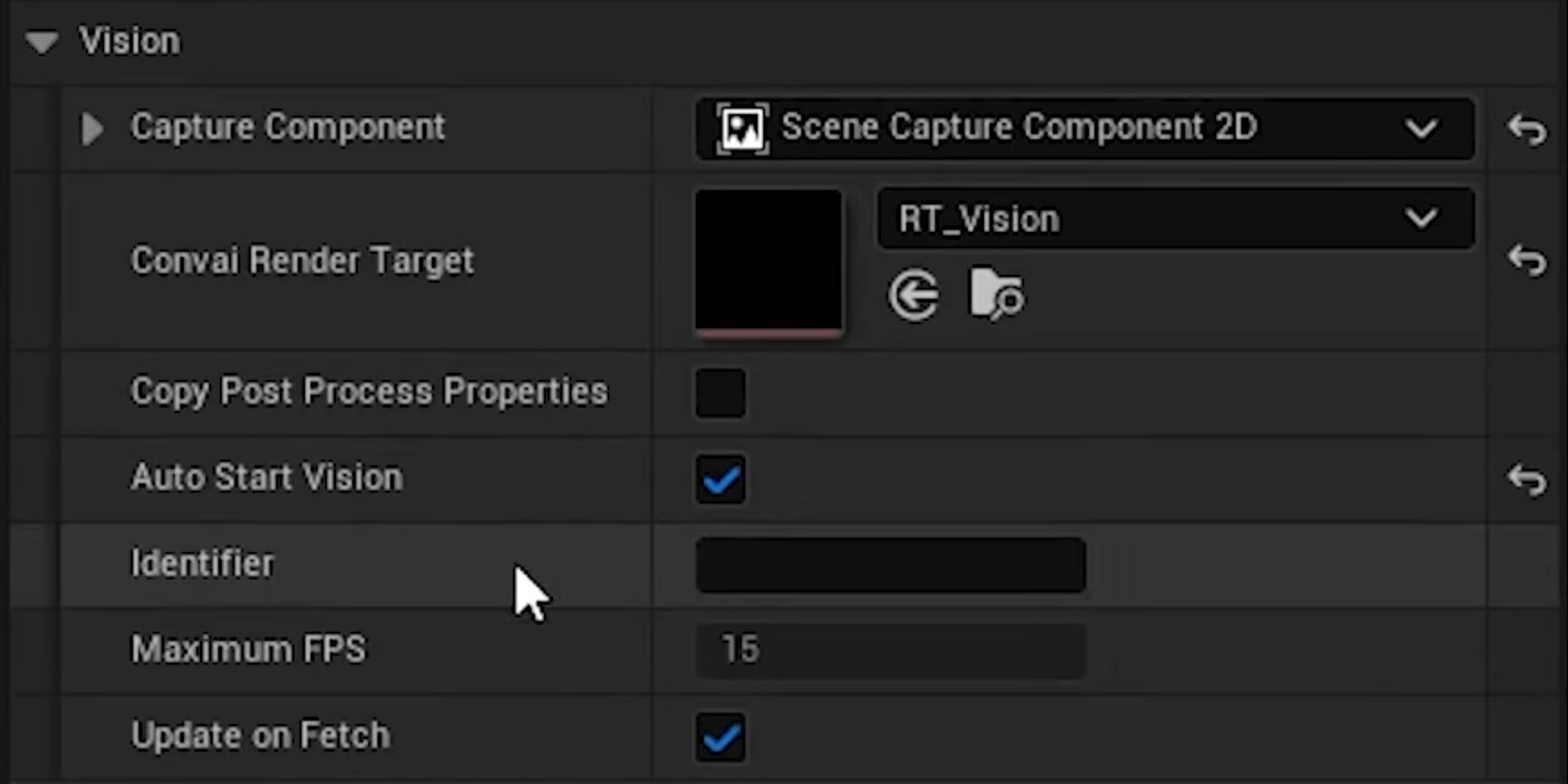
Hi Convai Team,
I am implementing a custom vision pipeline using SDK V4 in Unreal Engine 5.5.
Instead of capturing the in-game 3D world, I am streaming a Live Physical Webcam Feed into the system so the NPC can see what I am holding in real life. I have successfully set up the rendering pipeline, but I am struggling to get the EnvironmentWebcam component to actually transmit the frames to the backend.
My Architecture:
-
Player BP: Holds the ConvaiPlayerComponent and EnvironmentWebcam component.
-
NPC BP (Dr. Layla): Holds the ConvaiChatbotComponent.
-
Pipeline: Real Webcam ➔ Media Player ➔ Dynamic Material ➔ Drawn to RT_convai_vision (Texture Render Target) on Event Tick.
Current Status (What Works):
-
Rendering is perfect: I can see my live webcam feed appearing on the RT_convai_vision texture inside the Content Browser and on in-game debug planes.
-
Logic Linking: Since the components are on different actors, I am using a BeginPlay script on the Player to find the NPC, get the ConvaiChatbotComponent, and assign it to the EnvironmentWebcam using Set Chatbot.
-
Debug Confirmation: My logic prints a “Success” string, confirming the Cast and Set operations passed.
The Issue:
Despite the texture updating in real-time and the Chatbot being linked, the Vision System appears to be “sleeping.”
-
The Output Log shows ZERO entries for LogConvai: Sending Vision Frame…
-
The NPC responds with “Please show me the item,” indicating she is receiving no visual data.
-
I have enabled Auto start Vision
Question
Is there a specific initialization order required when using a Custom Render Target with a disembodied EnvironmentWebcam? Does the component need to be “woken up” or re-initialized after I manually assign the Chatbot Component at runtime?
Any help would be appreciated!