Hello everyone,
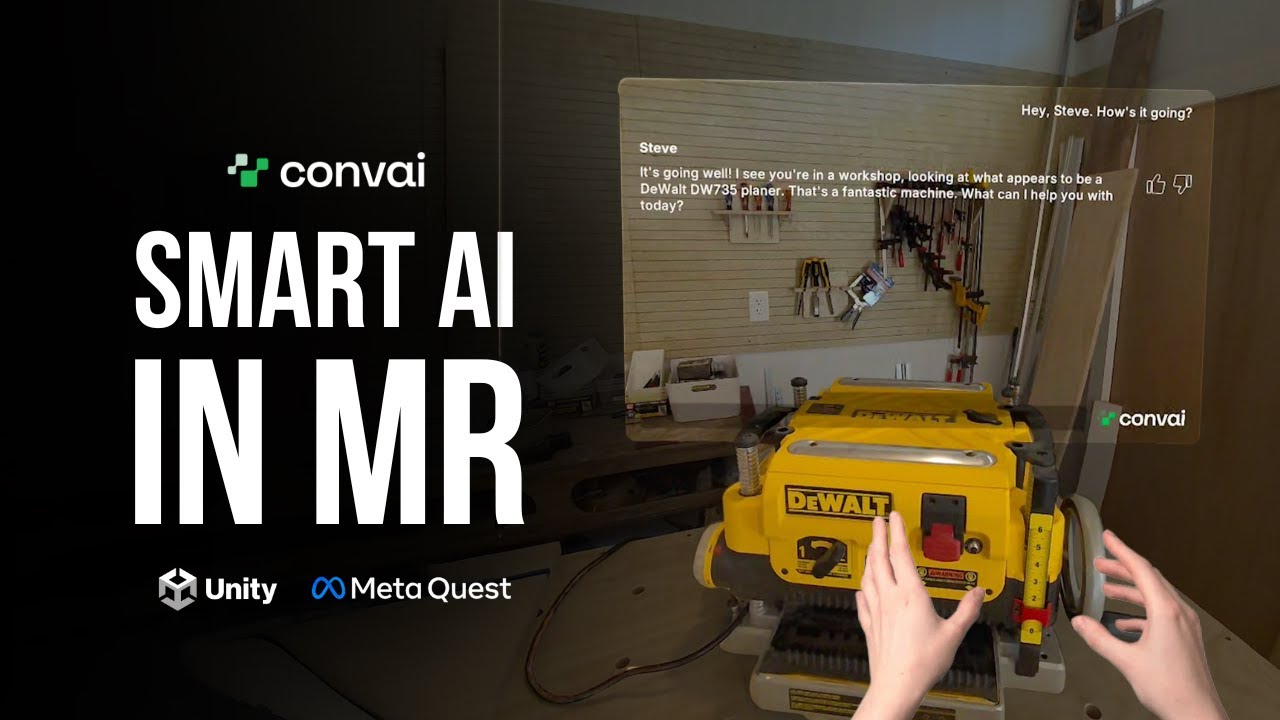
As seen in our Showcase Video, the new Convai Unity Beta Package brings powerful capabilities to Mixed Reality development. In this video, we walk you through how to set up this package on a fresh project from scratch.
We show you exactly how to achieve that seamless XR interaction where the character sees the environment and speaks naturally without push-to-talk.
 What’s New in This Beta?
This Beta introduces improvements designed to make AI character integration smoother and more natural:
- Hands-Free Conversations: Enjoy uninterrupted, natural dialogue without manual push-to-talk inputs.
- Vision Support: The character is fully aware of the environment (Vision) and sees what the user sees.
- Low Response Time: Experience significantly reduced latency for fluid exchanges.
- Voice Activity Detection (VAD): Automatically detects when a user is speaking.
- Lightweight Package: Optimized architecture that fetches cloud resources dynamically.
 The Guide
In the video, we demonstrate the installation on a new project. There are no complex steps—you can get your project ready and running in an MR environment very quickly.
Important Note: This Beta package is currently designed with a focus on MR projects. Features such as LipSync are not supported in this specific version but will be added in upcoming updates.
 Resources
- Documentation: Unity Plugin Beta Overview
- Blog Post: Unity Vision AI Character Tutorial