Hello Convai Team,
I am currently working on a project using Unreal Engine 5.7 and integrating Convai with a MetaHuman character.
Here is my setup:
-
Unreal Engine version: 5.7
-
Convai Plugin: Installed and connected successfully
-
MetaHuman character imported correctly
-
Convai Character ID and Player ID are set properly
-
The Convai agent connects successfully and responses are received inside Unreal (text responses work correctly)
The issue:
-
When I ask a question, Convai responds correctly (connection works).
-
However, the MetaHuman does not play any talking animation.
-
There is no voice/audio output from the MetaHuman.
-
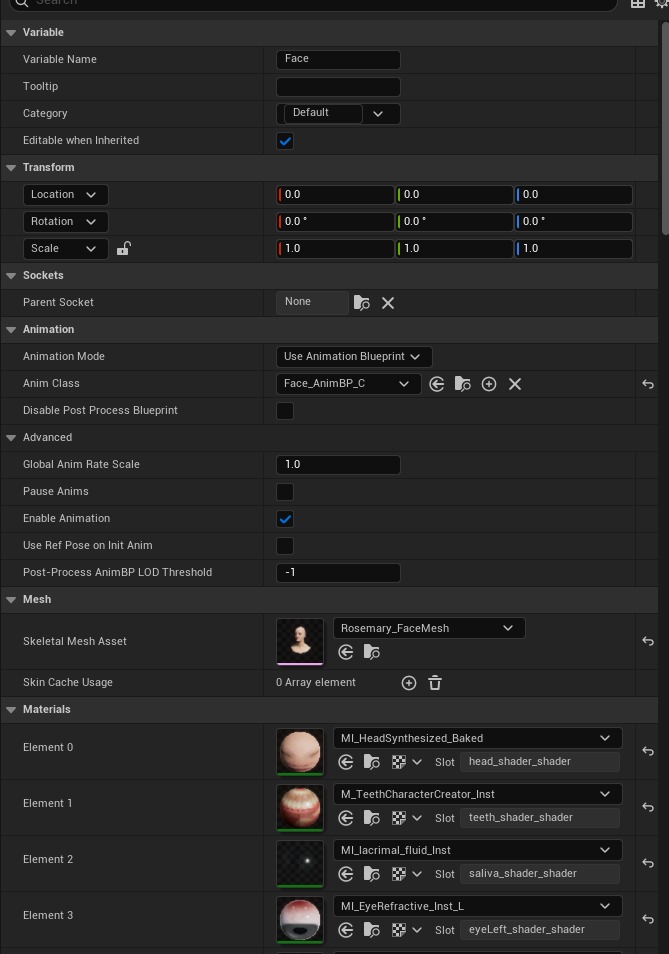
I have already assigned the correct talking animation / animation blueprint in the Convai character settings.
-
Lip sync and facial animation do not trigger.
So in summary:
-
 Convai connection works
 -
Responses are received
-
 No speech animation
 -
No audio output from MetaHuman
and this is part of my log :(ConvaiSubsystemLog: Attendee ID: ConvAI-Bot, Data: {“data”:{“error”:“TTS generation error: 400 Currently, only Chirp 3: HD voices are supported for streaming synthesis.”,“fatal”:false},“label”:“rtvi-ai”,“type”:“error”}
ConvaiSubsystemLog: Error: Error : ‘TTS generation error: 400 Currently, only Chirp 3: HD voices are supported for streaming synthesis.’.
ConvaiSubsystemLog: Attendee ID: ConvAI-Bot, Data: {“data”:{“error”:“TTS generation error: 400 Currently, only Chirp 3: HD voices are supported for streaming synthesis.”,“fatal”:false},“label”:“rtvi-ai”,“type”:“error”}
ConvaiSubsystemLog: Error: Error : ‘TTS generation error: 400 Currently, only Chirp 3: HD voices are supported for streaming synthesis.’.
ConvaiPlayerLog: Finished talking)