Hello everyone,
We are excited to share a highly requested tutorial for our XR developers! If you want to bring intelligent, spatially-aware digital humans into the physical world, this guide is for you.
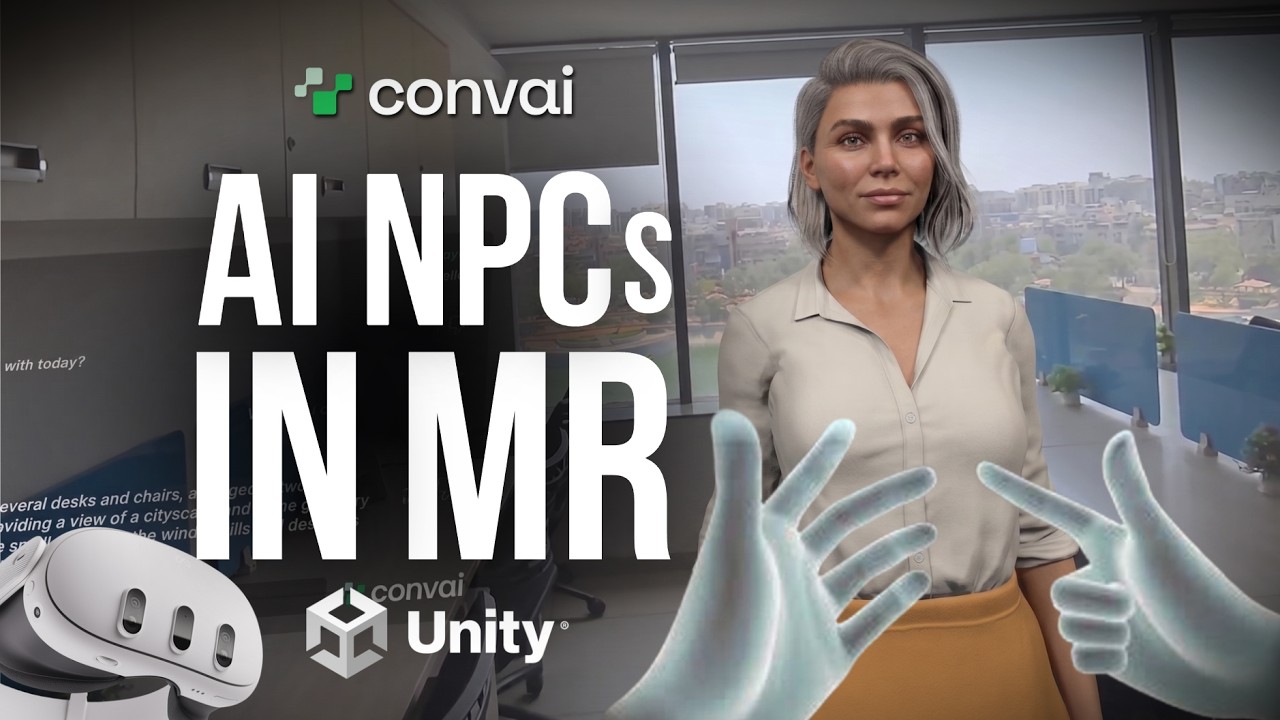
In our latest video, we walk you through exactly How to Build Mixed Reality AI Characters in Unity with Convai on the Meta Quest. By combining Convai’s conversational AI with Meta’s Mixed Reality tools, you can create immersive experiences where your characters truly understand and interact with the user’s real-world environment.
 What You Will Learn
This tutorial covers the complete pipeline for setting up an MR project tailored for the Meta Quest headset. We will guide you through:
-
Project Setup: Configuring Unity for Mixed Reality development on Quest.
-
Scene Understanding: Utilizing Meta’s MR Utility Kit to allow your AI character to recognize physical constraints like walls, tables, and furniture.
-
Convai Integration: Hooking up the Convai SDK to give your character voice, vision, and natural conversational abilities within the MR space.
 Required Packages
To follow along with this tutorial, we will be utilizing the following packages in Unity:
-
com.convai.convai-sdk-for-unity -
com.meta.xr.mrutilitykit@85 -
com.meta.xr.sdk.interaction.ovr@85
 Resources & Deep Dive
Ready to start building the future of spatial computing? Check out the updated documentation and our full blog post for a detailed step-by-step breakdown:
-
Detailed Blog Post: How to Build Mixed Reality AI Characters in Unity with Convai on Meta Quest
-
Updated MR Documentation: Mixed Reality AI Characters with Vision (Meta Quest)
We are constantly amazed by the XR experiences our community builds. If you create something cool using this workflow, please share your demos with us in the replies below!
Happy developing!