Hello, we’re a bank and we’re building a custom avatar for our anniversary that we’ll import into Convai, along with a custom voice generated via Eleven Labs.
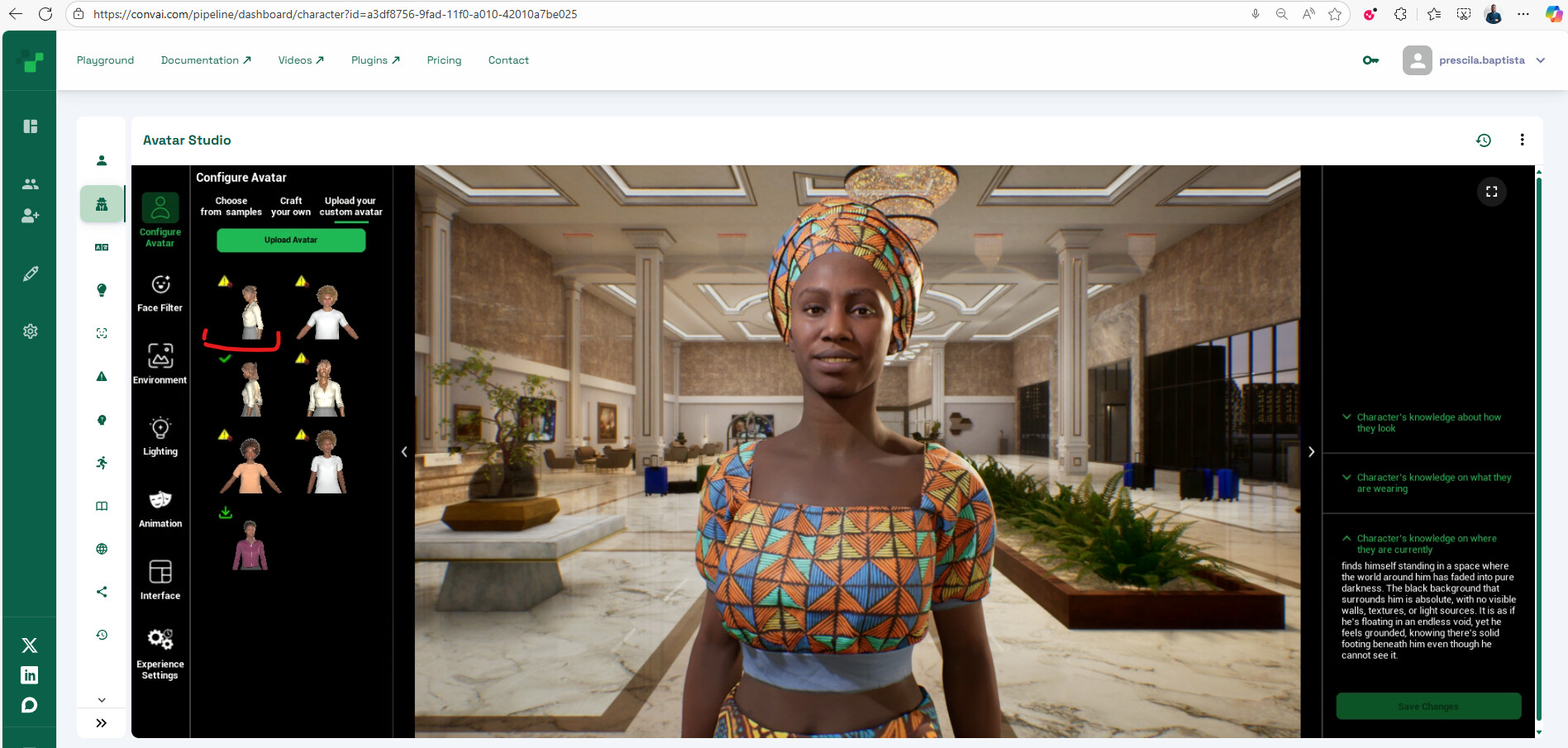
To build our avatar, we’re using Character Creator (with Autoimport for Unreal Engine) + Unreal Engine 5.6. As you can see in the image, the import and upload process was successful, as shown in the first image below.
In the meantime, we’re having an issue: the avatar thumbnail is listed, but we can’t download and use it, as seen in the image below.
Please, we would like to have this problem resolved.
You’re currently using Unreal Engine 5.6, but Avatar Studio only supports avatars uploaded from UE 5.5 at the moment.
Support for 5.6 is coming very soon, once it’s enabled, you’ll be able to download and use your uploaded avatar without issues.
Hi,
It seems that some of the assets your avatar is using are not located in the plugins directory. To resolve this, please move all related assets into the plugins directory.
In your case, there are assets inside /Game/CC_Shaders that are being referenced by the avatar. Moving this entire folder into the plugin should fix the issue.